1. Escribe tu propio texto
En Biblioteca, pulsa Pegar mi texto o Abrir un archivo de texto. Si pegas, pulsa Empezar a escribir. En el juego, teclea la letra marcada.
Ir a mi texto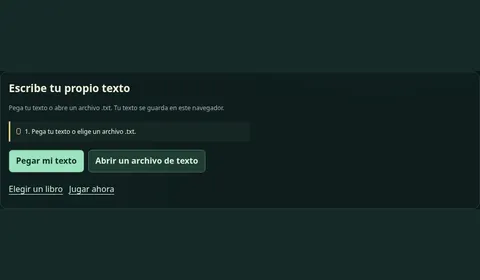
Elige qué quieres hacer y sigue los pasos en pantalla.
En Biblioteca, pulsa Pegar mi texto o Abrir un archivo de texto. Si pegas, pulsa Empezar a escribir. En el juego, teclea la letra marcada.
Ir a mi textoElige un libro y un capítulo. En el laberinto, toca una letra o empieza a teclear. Puedes usar las flechas de página en vista clásica cuando esté disponible.
Elegir un libro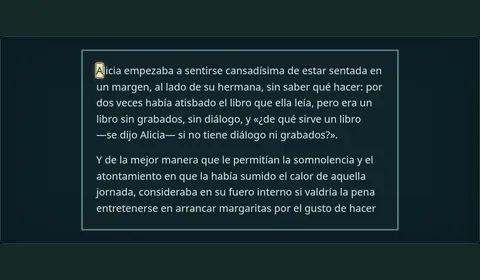
Abre Meditar y elige una práctica. Selecciona voz o silencio y pulsa Comenzar. Puedes pausar o salir cuando quieras.
Elegir una práctica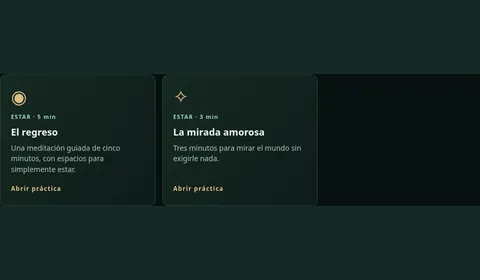
Empieza con F y J. Teclea la letra marcada a tu ritmo.
Lee un texto breve y responde tres preguntas cuando termines.
Lee la pregunta y elige el título donde buscarías la respuesta.
Choose what you want to do, then follow the steps on the page.
In the Library, select Paste my text or Open a text file. If you paste, select Start typing. In the game, type the marked letter.
Go to my textChoose a book and a chapter. In the maze, tap a letter or start typing. Use the page arrows in Classic view when available.
Choose a bookOpen Meditate and choose a practice. Select voice or silence, then select Start. Pause or leave whenever you like.
Choose a practiceStart with F and J. Type the marked letter at your own pace.
Read a short passage and answer three questions when you finish.
Read the question and choose the heading where you would look for the answer.